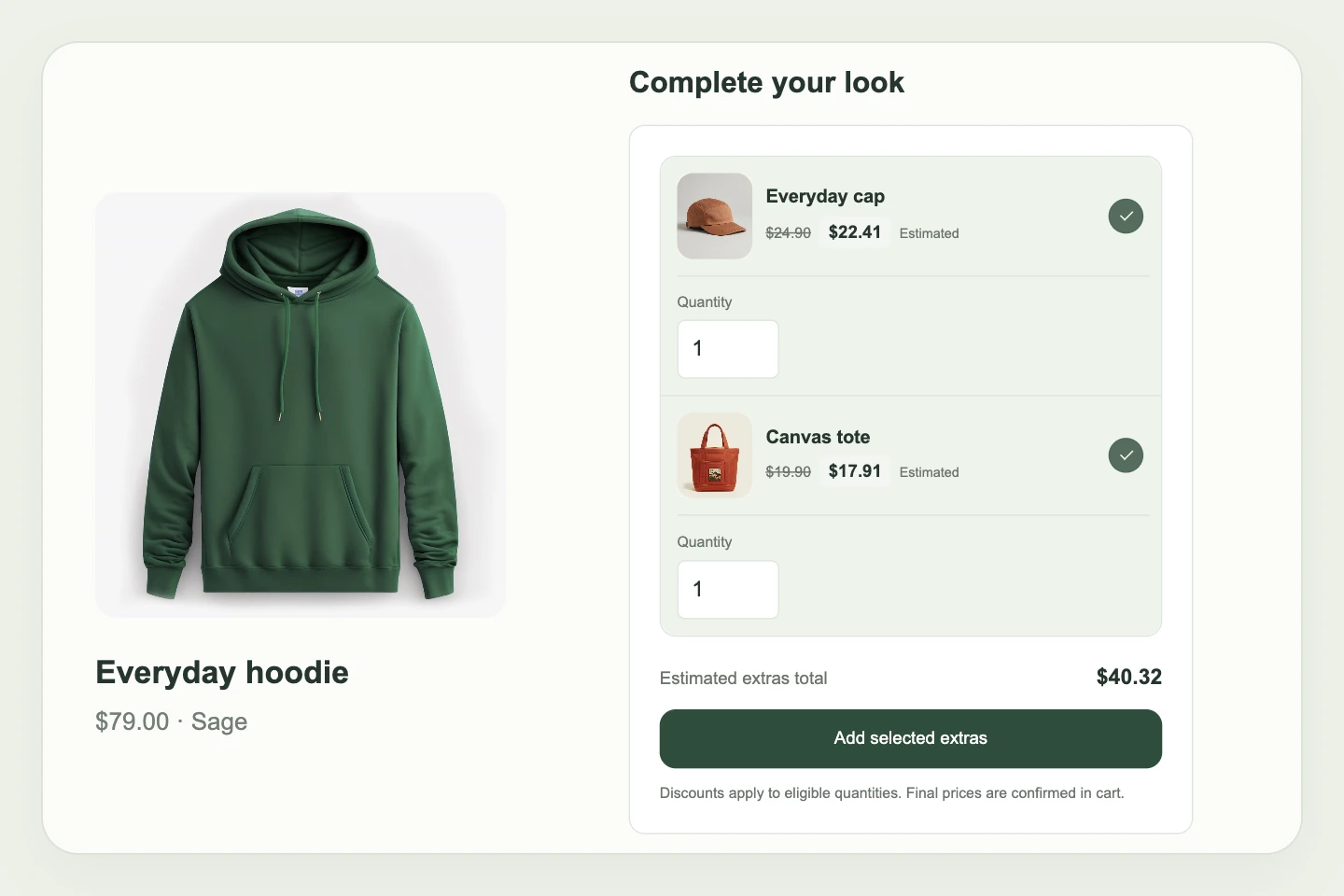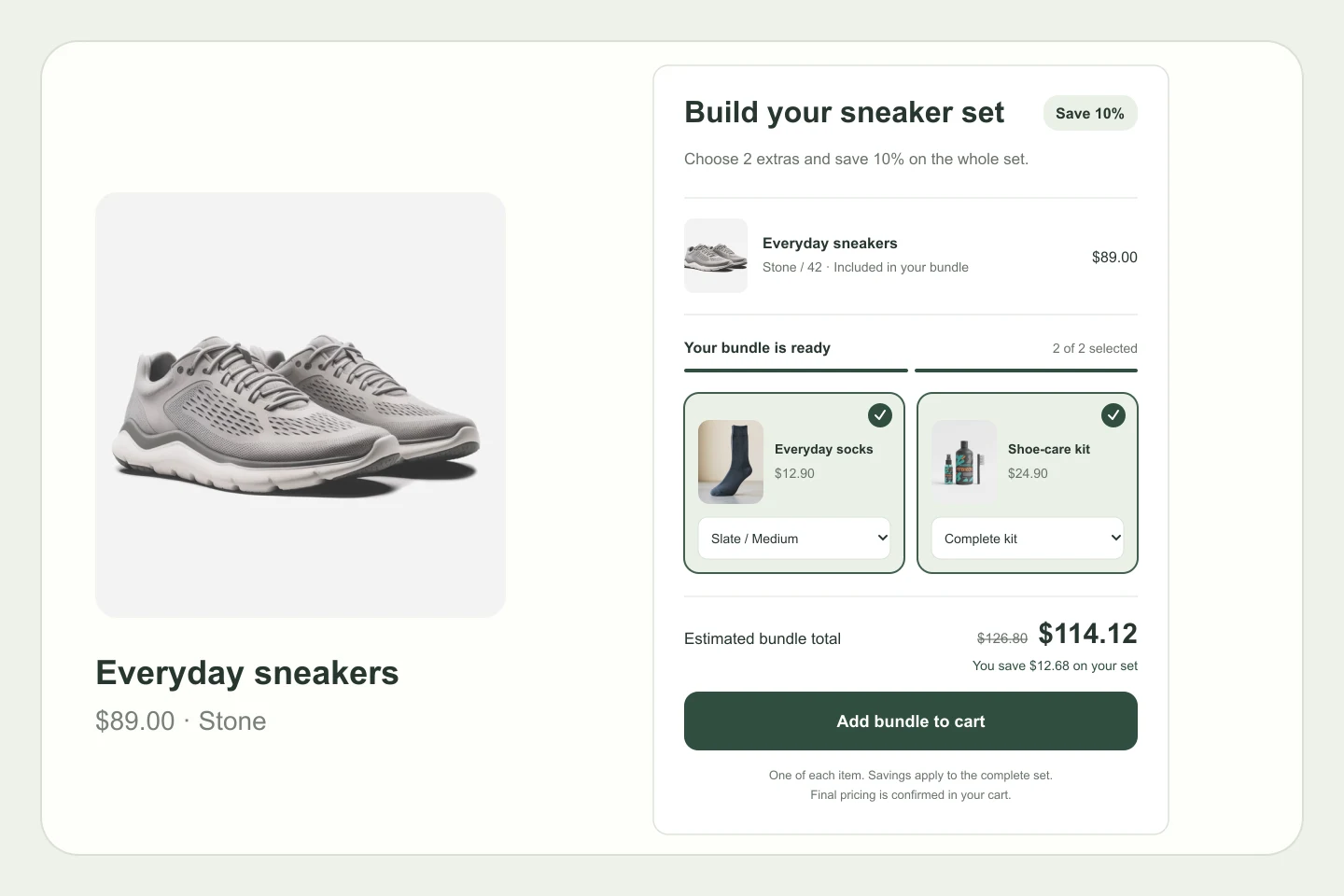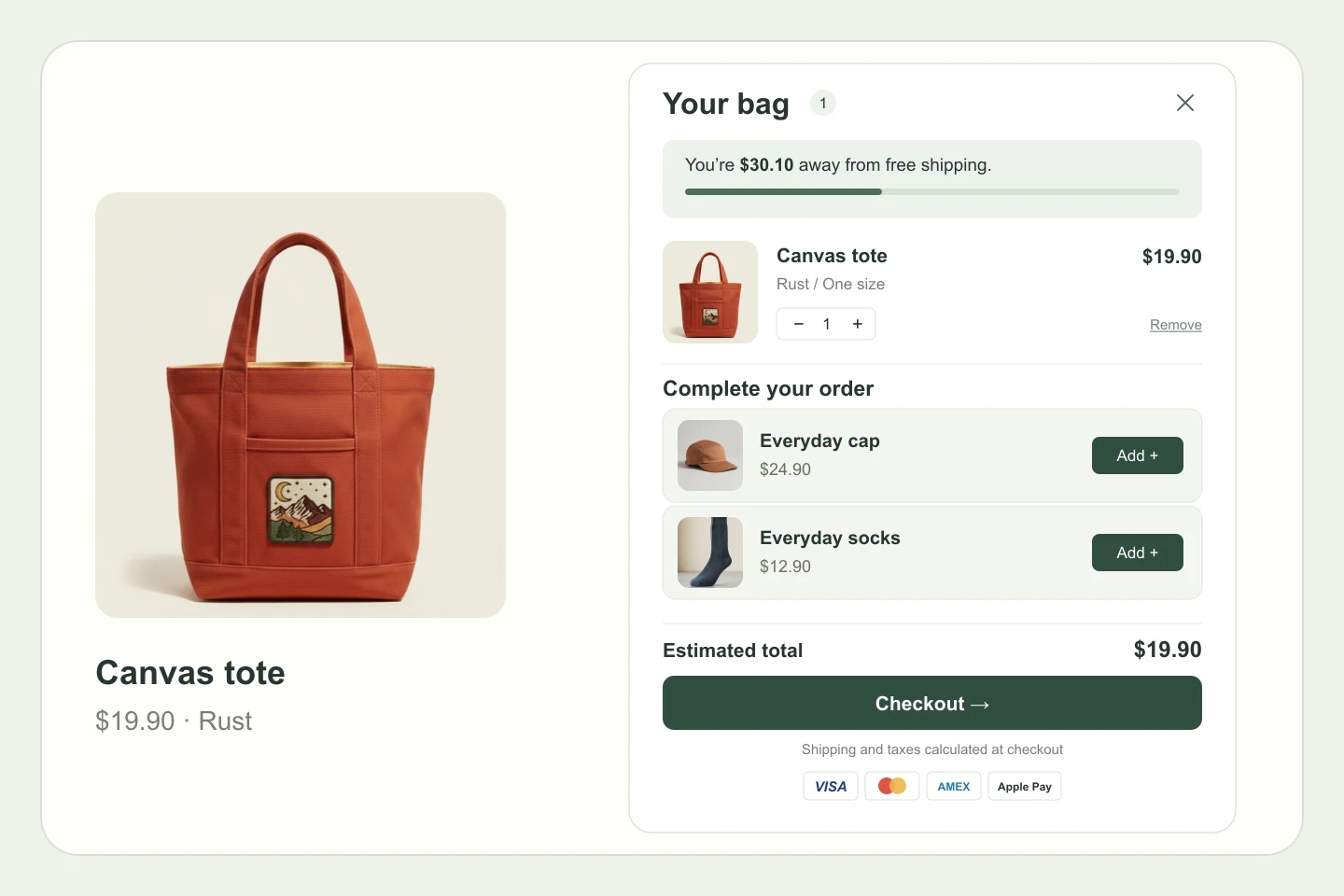
Pair a product with a gift
Offer a gift when shoppers buy a specific product. A natural way to introduce a complementary item or complete the experience.
Make a qualifying purchase feel even better. Offer a complimentary gift with a specific product, a storewide spending goal, or a spend within a chosen collection.
Included in Grow & Full Access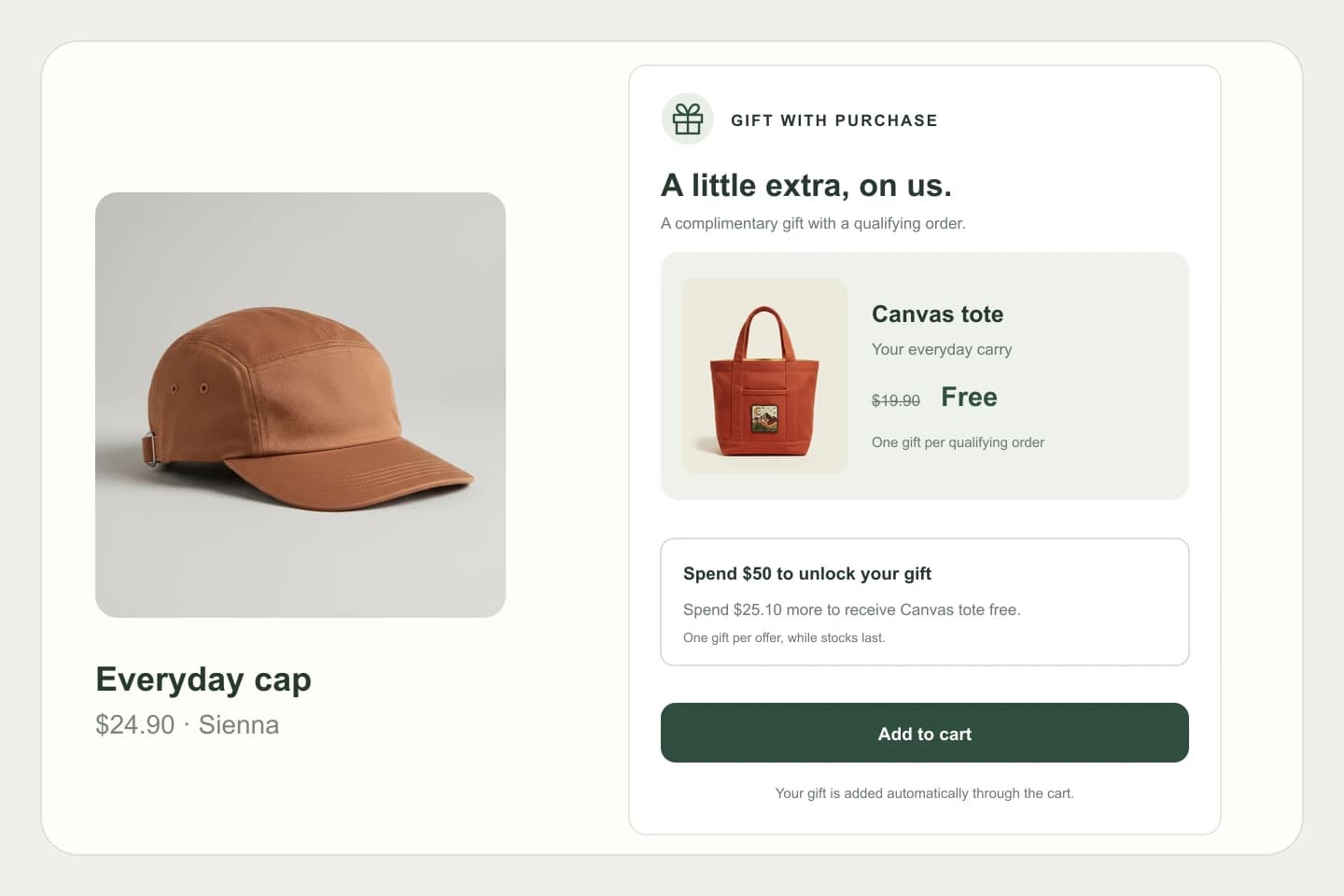
Choose a gift that complements your products, then decide exactly what earns it.
Offer a gift when shoppers buy a specific product. A natural way to introduce a complementary item or complete the experience.
Set a qualifying spend across your store, or limit it to a selected collection. Keep each campaign tied to the products you want to highlight.
Choose the gift variants and manage each campaign’s active status. The app surfaces the status of the Shopify gift discount so you can spot setup issues.
Set it up in Pent Library. Make it yours in Shopify.
Create a campaign and select the product variants you want to offer as gifts.
Choose a specific product or a spending threshold across all products or a selected collection.
Activate the campaign, check its gift discount status, and enable the gift-with-purchase embed in your Shopify theme.
You can require a specific product, a minimum spend across all products, or a minimum spend within a chosen collection.
Spending goals use merchandise prices before discounts, excluding shipping and gift cards. For collection campaigns, only products in that collection count toward the goal.
Activate the campaign and the gift-with-purchase app embed in your Shopify theme. Keep the associated Shopify gift discount active; the app shows a warning if it is disabled or deleted.
Gift with purchase is included in Grow and Full Access, together with the other Pent Library upsell features.
Four thoughtful tools. One familiar app.
Explore Pent Library. Activate upsells with Grow or Full Access.